範本
AI Batch record Invoices in Google Drive to Xero
Batch processes Google Drive invoices and creates Xero draft invoices.
約 10 min 設定
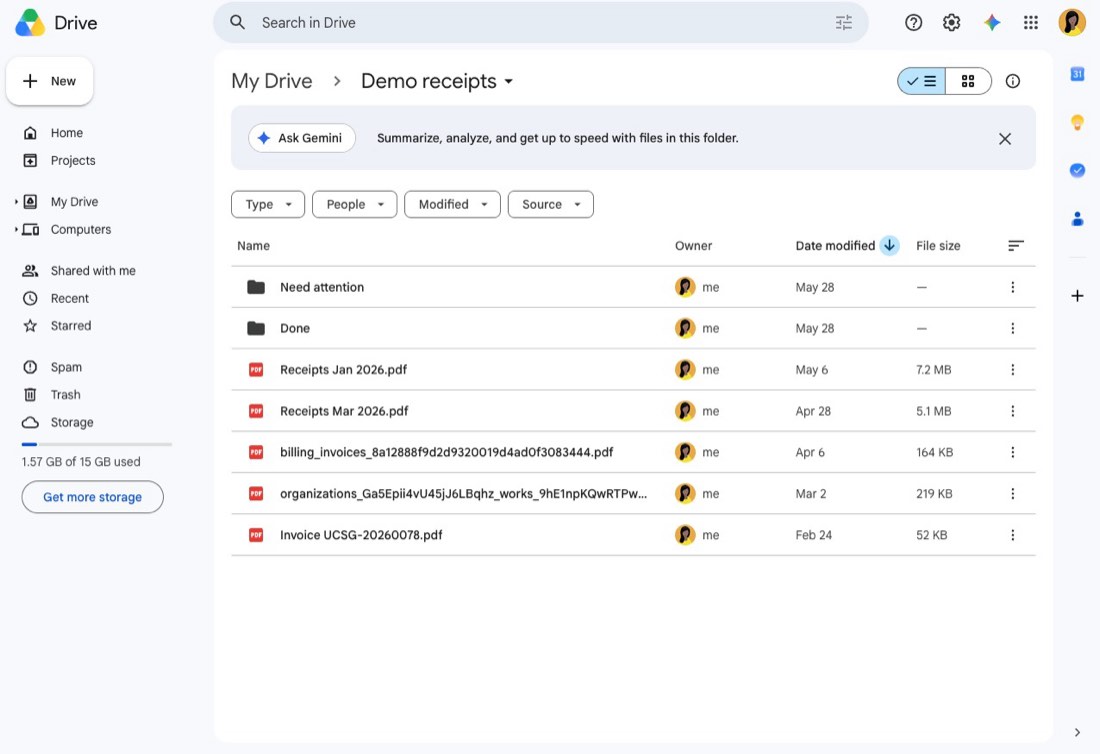
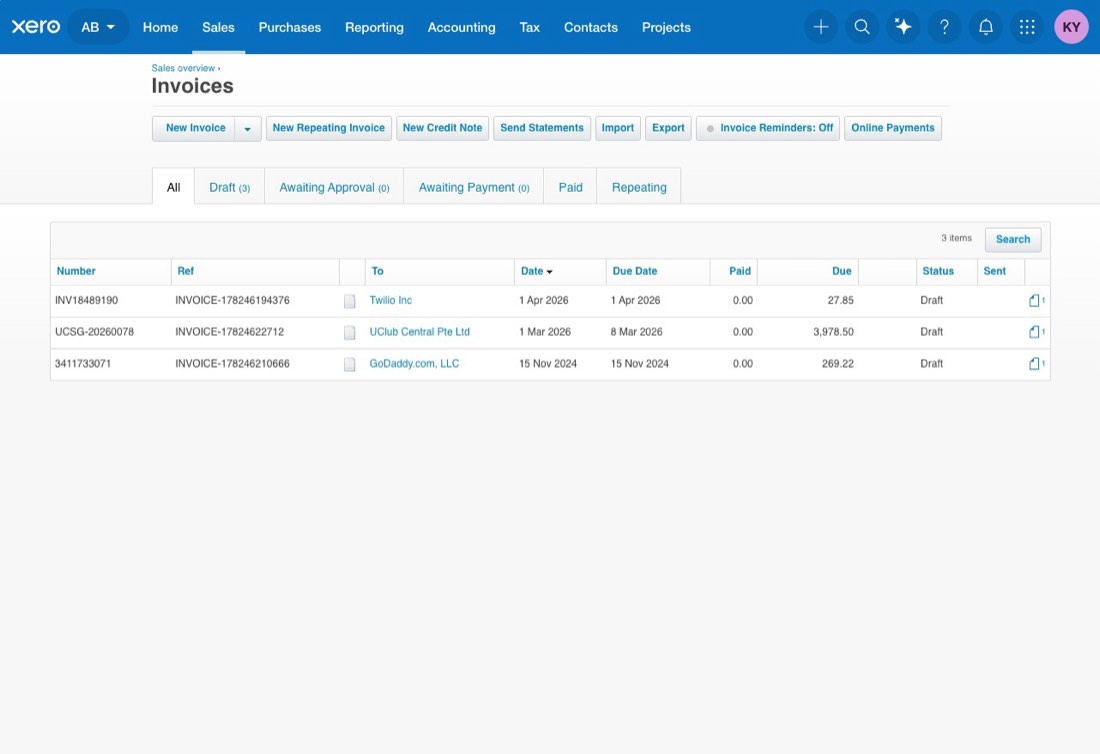
Batch Record Google Drive Invoices as Xero Drafts
Process invoices from Google Drive and create draft invoices in Xero.
What It Does
- Processes invoices one at a time.
- Extracts invoice details.
- Creates draft invoices in Xero.
- Attaches the original invoice file.
- Moves completed files to
Done. - Moves failed or incomplete files to
Need Attention. - Continues until all invoices are processed.
Required Connections
- Google Drive
- Xero
Setup
- Select the Google Drive folder containing your invoices.
- Select the
Donefolder. - Select the
Need Attentionfolder. - Connect your Xero account.
Notes
- Missing or unclear invoice details are not guessed.
- Invoices that cannot be processed are moved to
Need Attention.
This template deploys automatically to the cloud. No coding, self-hosted n8n setup, or Make.com flows are required. The workflow runs deterministically, so it stays predictable compared with agent-driven tools like Manus, OpenAI, or Tasklet.