Templates
AI Batch Record Google Drive Bills as Drafts in Xero
Batch process unpaid Google Drive bill & creates the Xero draft bill with attachment
Approx. 10 min setup
Batch record Bills in Google Drive as draft to Xero
Knoon template bundle for processing unpaid bill files from a Google Drive folder in batches and recording each bill as a draft accounts payable bill in Xero.
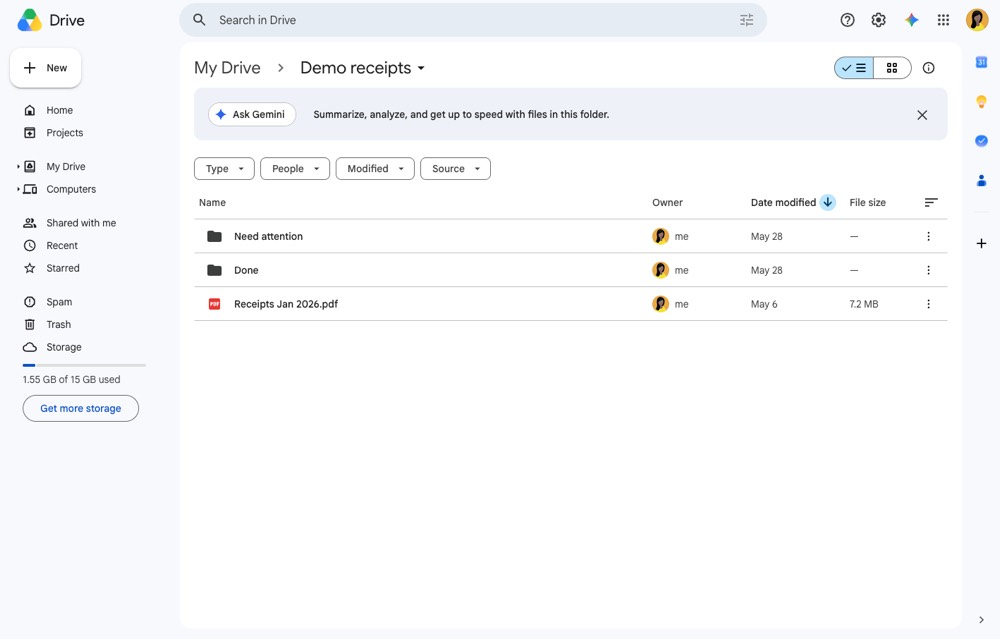
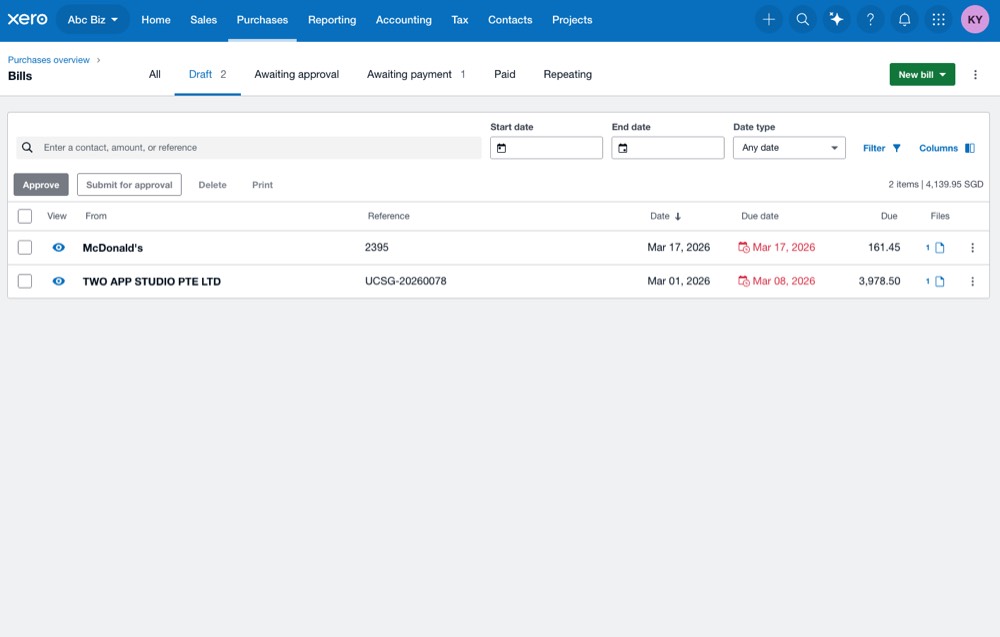
The workflow extracts bill fields with OCR, finds or creates the Xero contact, selects the expense account and tax rate, creates the draft bill, attaches the original bill file, then moves processed files into Done or Need attention folders.
Preview
Input folder in Google Drive
Draft bills created in Xero
Import Instructions
- Open Knoon and choose the template or bundle import option.
- Connect the Google Drive and Xero accounts.
- Configure the Google Drive source, Done, and Need attention folders.
- Run a small test batch before using the workflow on a full bill folder.
This template deploys automatically to the cloud. No coding, self-hosted n8n setup, or Make.com flows are required. The workflow runs deterministically, so it stays predictable compared with agent-driven tools like Manus, OpenAI, or Tasklet.