
Organization Summary
Larry Contractors uses Knoon Agent to streamline bookkeeping with QuickBooks, reducing manual admin work while keeping financial records accurate and up to date.
Before automation, most requests arrived as fragmented WhatsApp messages, callbacks, and notes spread across staff phones. That created slow response times and inconsistent follow-up on promising jobs.
Knoon introduced a contractor-specific operating flow that captures job context early, syncs admin work into QuickBooks and OneDrive, and keeps the office team moving even during busy weeks.
Key Results


Challenge
Some receipts were shared in WhatsApp, while others stayed in physical forms. That made bookkeeping slower and harder to keep accurate in QuickBooks.
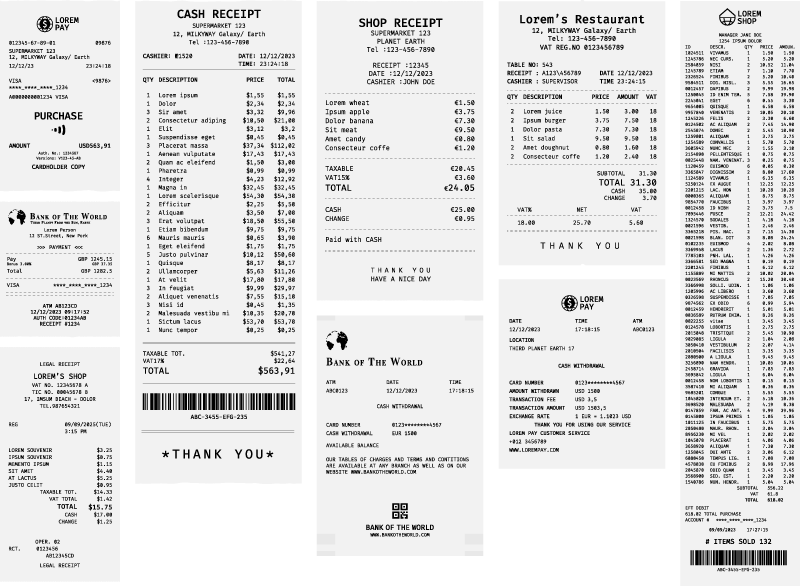
QuickBooks AI missed important receipt details
QuickBooks AI did not always capture receipt dates, categories, totals, and tax correctly, so entries still needed manual review before they could be trusted.
Too much manual entry for every bill
Even simple receipts meant typing payee names, prices, and other details one by one, which turned routine bookkeeping into repetitive admin work.
OneDrive upload added another admin step
After updating QuickBooks, the team still had to download each receipt, match it to the correct document number, and file it into the right OneDrive folder manually.
Solution
Larry Contractors centralized new job requests through a WhatsApp AI agent that qualifies homeowners, collects site details, and routes urgent jobs immediately.
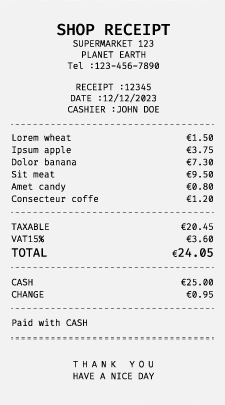
Agent Reads Receipts & Records Them in QuickBooks
The agent reads each receipt and records it in QuickBooks, including the purchase category, whether it is a tax receipt, the tax rate, and the final price.
Save Receipts to OneDrive
The agent creates a folder in OneDrive and renames it to match the same document number used in QuickBooks, making each receipt easier to find later.

Templates used by Larry Contractors
Start from the same WhatsApp receipt capture, QuickBooks, and OneDrive workflows Larry Contractors used with Knoon.