AI Website With Customer Support Chatbot
Website with Customer Support Chatbot
Launch a responsive marketing app website with a built-in support experience. This Knoon template combines editable Liquid and Markdown pages with a customer-support Chat Box whose agent answers visitor questions from the site content.
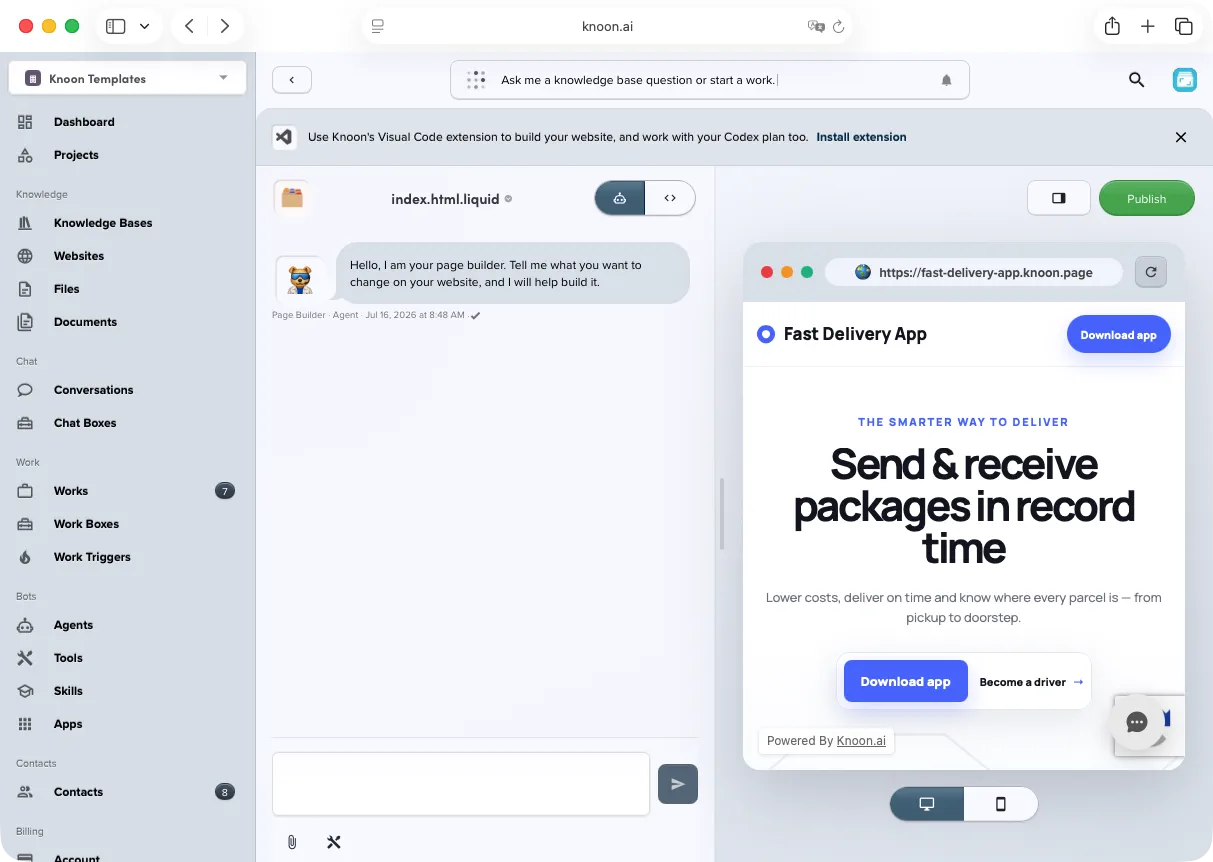
What this template includes
- A responsive example website for a delivery app
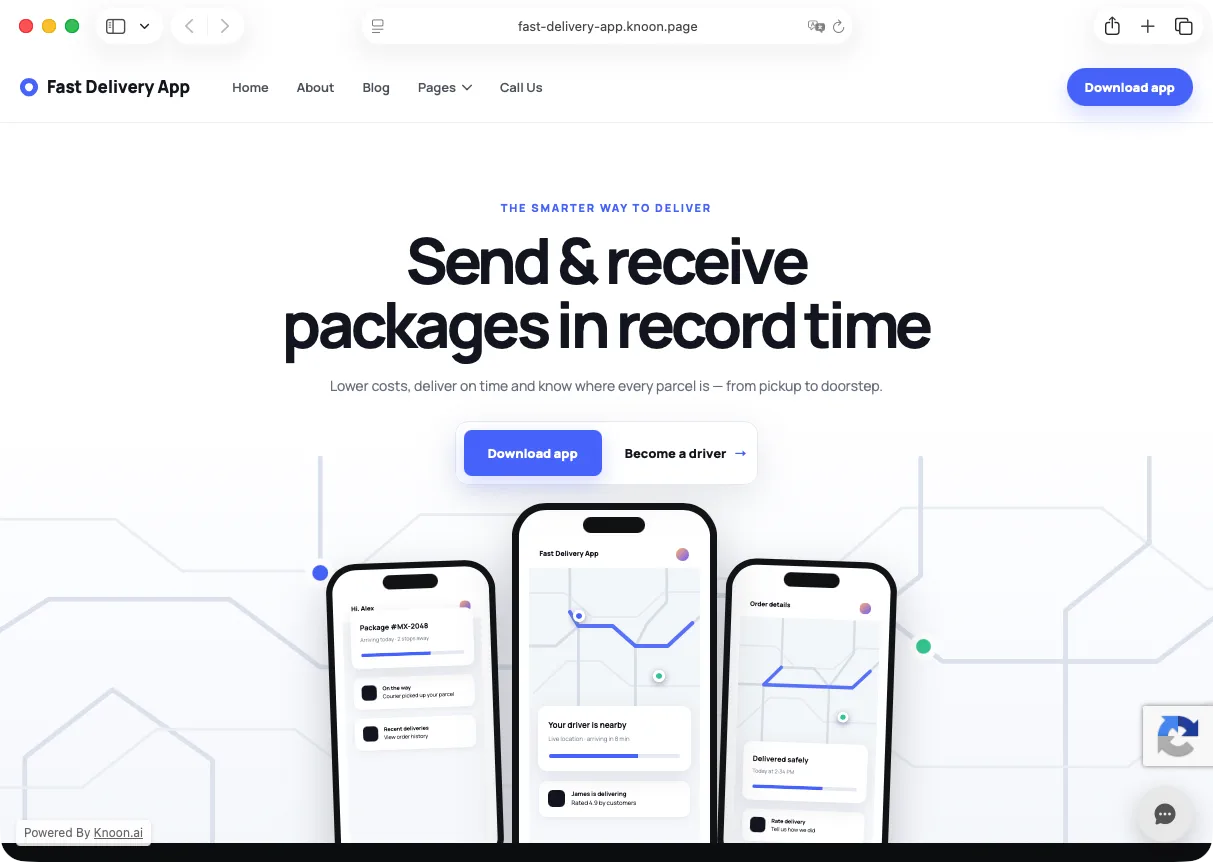
- A landing page with calls to action and product visuals
- An About page
- A blog index and six starter articles
- Shared Liquid layouts, navigation, footer, title, favicon, and image assets
- A Support Chat Chat Box
- A Support Chat Agent grounded in the bundled site content
The support agent is instructed to stay concise and friendly, use the site as its primary source of truth, avoid inventing policies or contact details, and recommend the next support step when an answer is unavailable.
Example website
The bundled pages provide a polished starting point that can be replaced with your own brand, copy, links, and images.
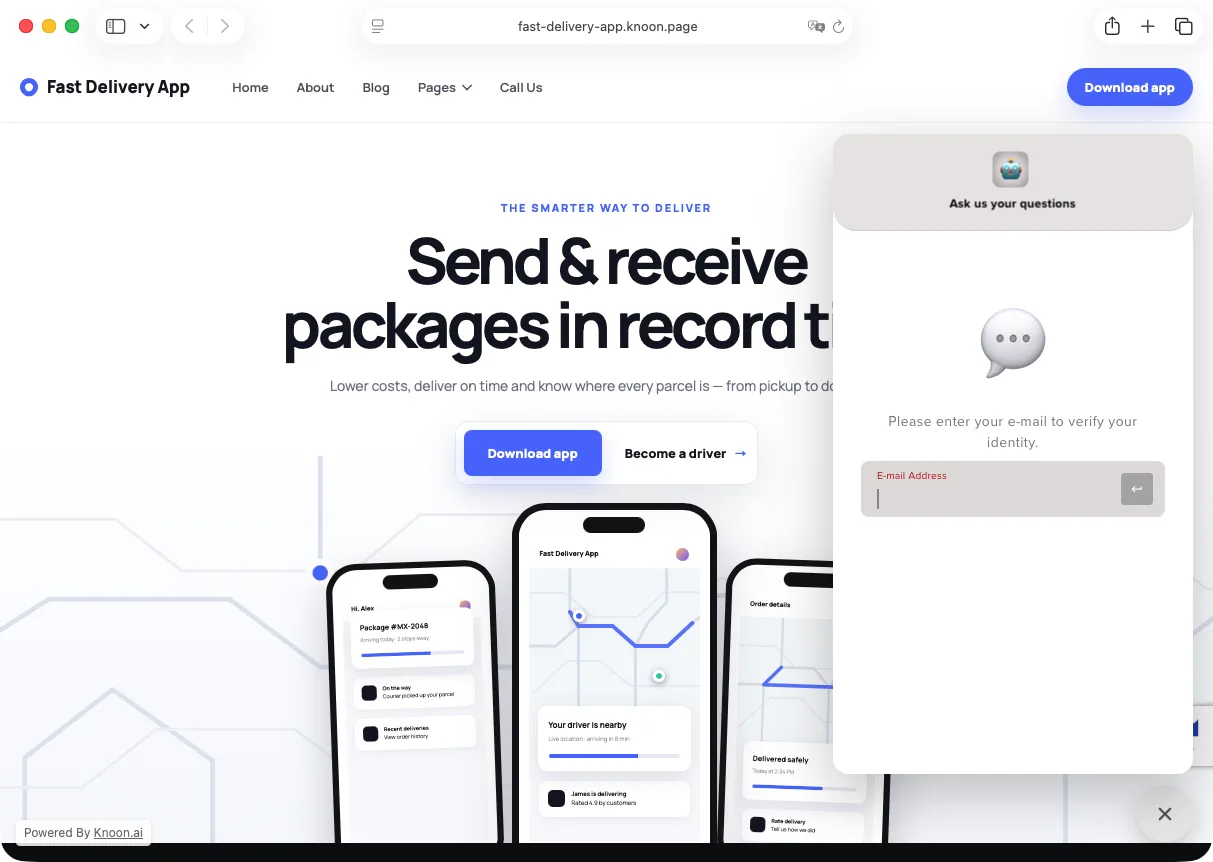
Customer support experience
Visitors can open the support panel directly from the published website. In the supplied configuration, the Chat Box asks visitors to verify their email address before starting a conversation; you can change the sign-in behavior and support greeting in Knoon before publishing.
Setup
- Import the bundle into Knoon.
- Open Website With Chatbot and preview the included pages.
- Replace the Fast Delivery App name, copy, calls to action, URLs, images, and contact details with your own content.
- Review all example blog articles and either customize or remove them before publishing.
- Open Support Chat and customize its greeting, theme, support language, and human-handoff behavior.
- Review the Support Chat Agent instructions and confirm that the site is attached as a content source.
- Add a support knowledge base if you want the agent to answer from policies, FAQs, troubleshooting guides, or other material not present on the website. No separate knowledge base is included in this bundle.
- Test common questions, missing-information cases, and the request-human path before publishing.
- Preview the site on desktop and mobile, then publish it to your Knoon address or configured custom domain.
Chat behavior
- Initial message:
Hi! How can I help you today? - Responses should be concise, accurate, and based on the site content.
- The Chat Box offers the human-support option after four messages.
- The configured time zone is UTC.
- Visitors may skip sign-in only if you enable that option; it is disabled in the supplied configuration.
This template deploys automatically to the cloud. No coding, self-hosted n8n setup, or Make.com flows are required. The workflow runs deterministically, so it stays predictable compared with agent-driven tools like Manus, OpenAI, or Tasklet.